
Digital finance architects & technology innovators.

Making Digital Payments Simple and Secure

Send, pay and receive Kina, and earn rewards while you spend. Accept PIN payments in your business, or build software with our team.

See six ways to pay with PIN
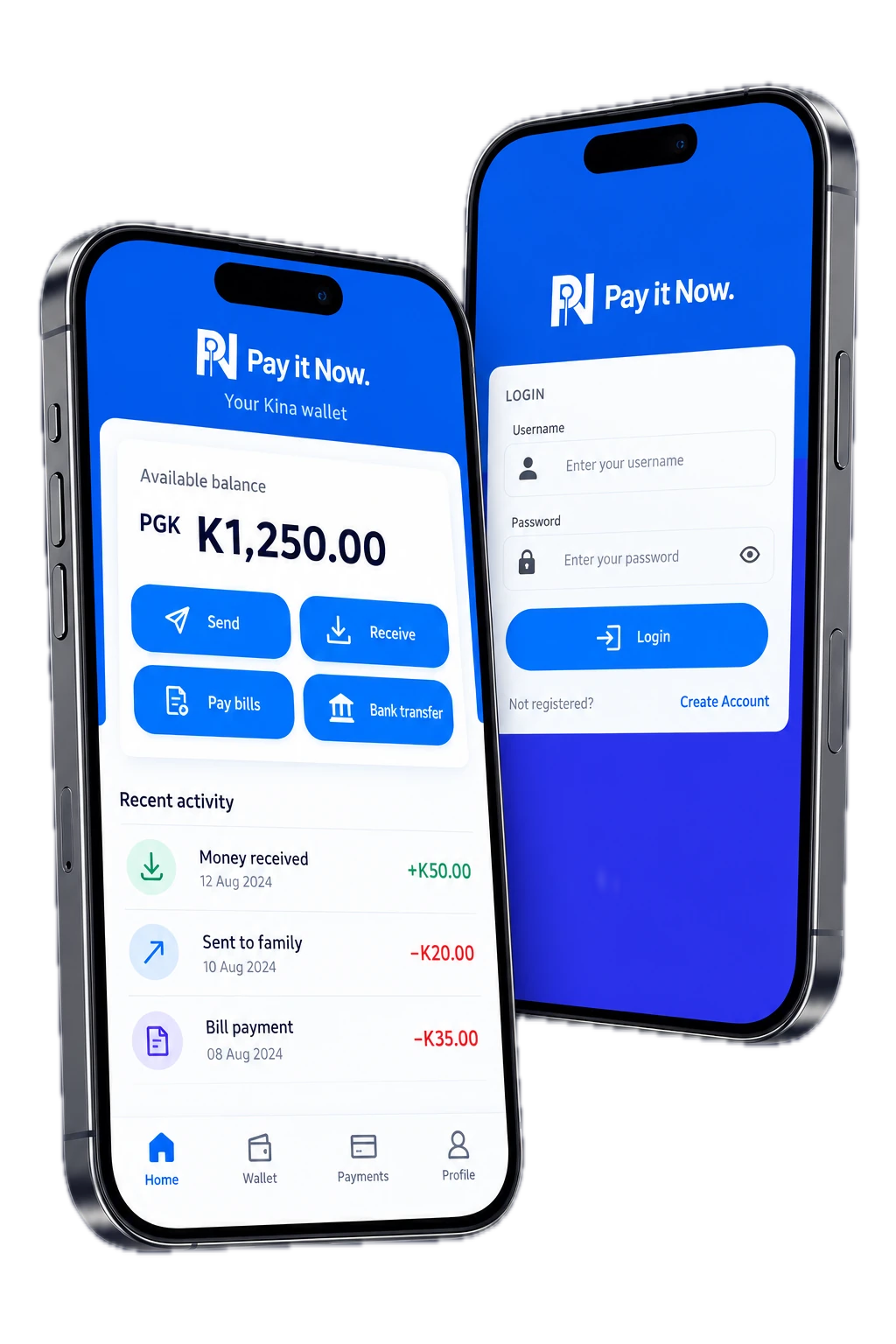
Two iPhone concepts showing PIN login and a sample Kina wallet

Everyday Kina.
From hand to hand.

Six ways to pay with the PIN app, and the same six ways for your business to accept PIN, from a market stall to an online store. PIN users earn rewards while they spend.
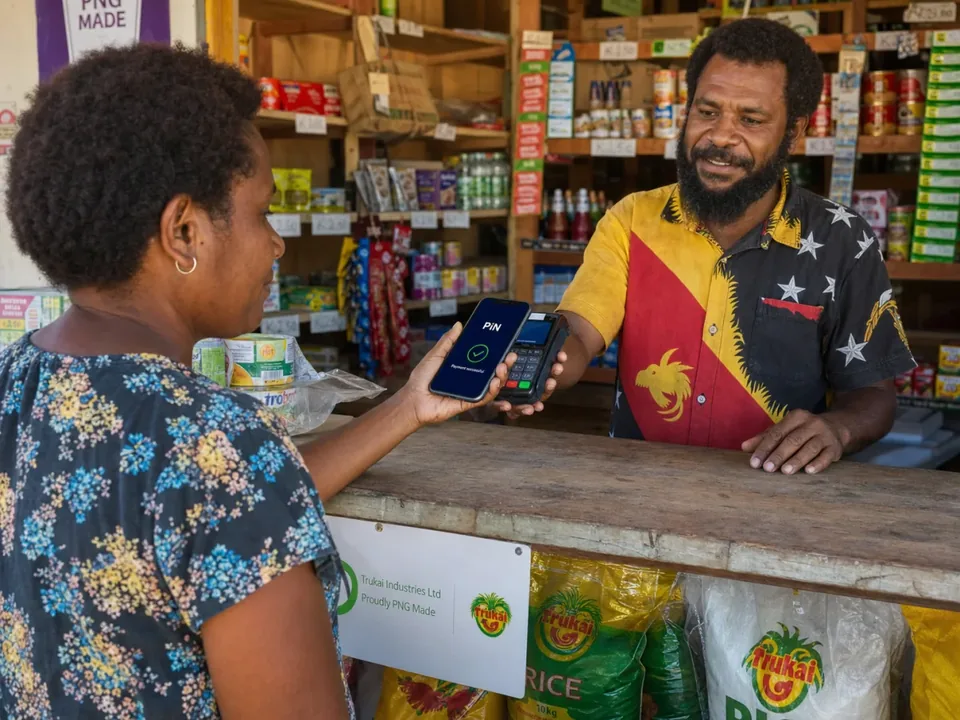
Customer paying a shopkeeper with the PIN app, payment successful shown on the phone

Mobile app

Pay
Scan the QR on the seller’s phone, review the amount and confirm.
Accept
Take payments on your phone with the PIN app, suited to mobile vendors, market stalls and small businesses.
Explore mobile payments
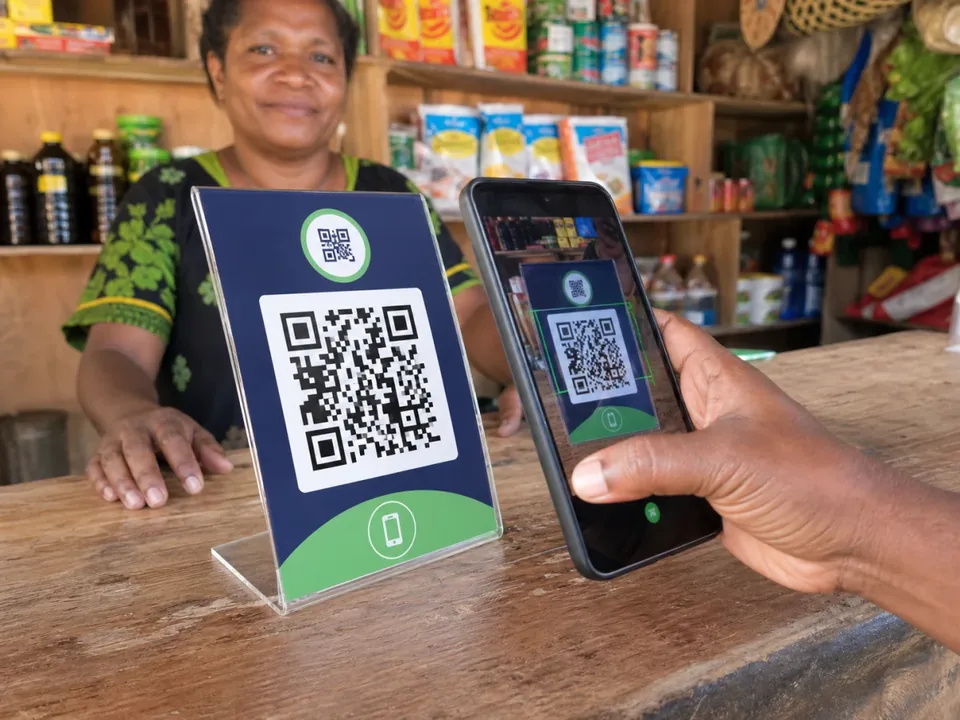
Customer scanning a counter QR stand with a phone

Counter QR code

Pay
Scan the code at the counter, enter the amount and confirm in PIN.
Accept
Display a QR code at your counter; your team checks each payment record.
Discuss counter QR payments
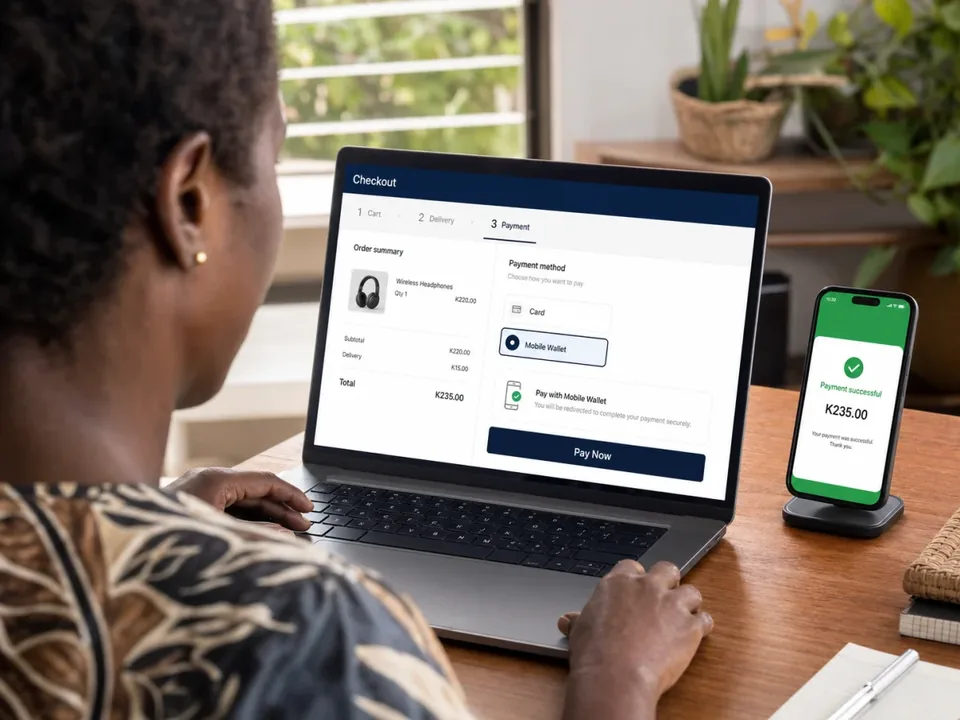
Customer paying with PIN on a laptop checkout page

Online payments

Pay
Choose Pay with PIN at checkout, confirm and keep the order confirmation.
Accept
Connect PIN to your online store. Our team helps plan the checkout integration.
Plan online payments
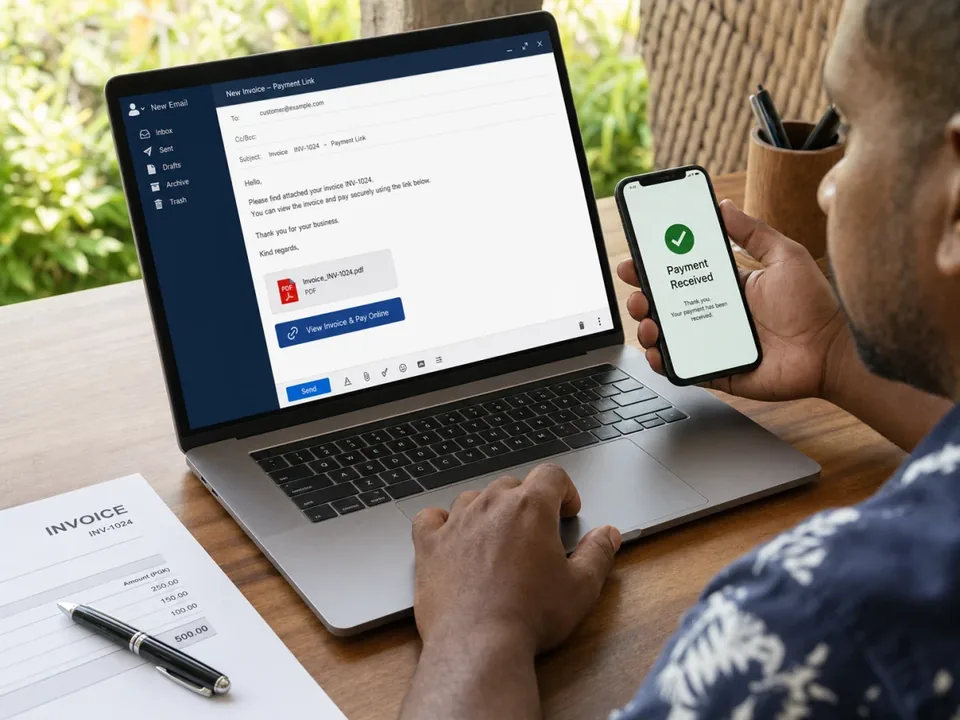
Invoice open on a laptop with a payment confirmation on a phone

Invoice links

Pay
Open the payment link in an email or PDF invoice, check the amount and confirm.
Accept
Send payment links in email or PDF invoices, and discuss linking payment confirmations to your invoice records.
Discuss invoice payment links
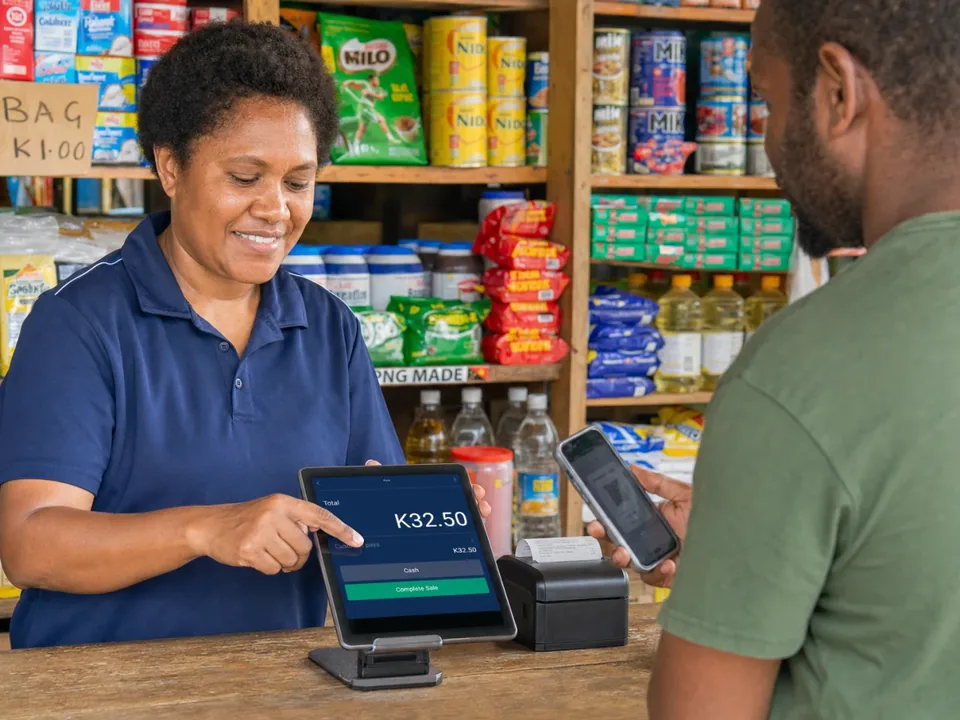
Shop assistant taking a phone payment at a point-of-sale screen

Point of sale

Pay
Show your phone’s payment code to the merchant’s scanner and check the confirmation.
Accept
Bring PIN into your point-of-sale system. We review your setup and plan the integration.
Discuss POS integration
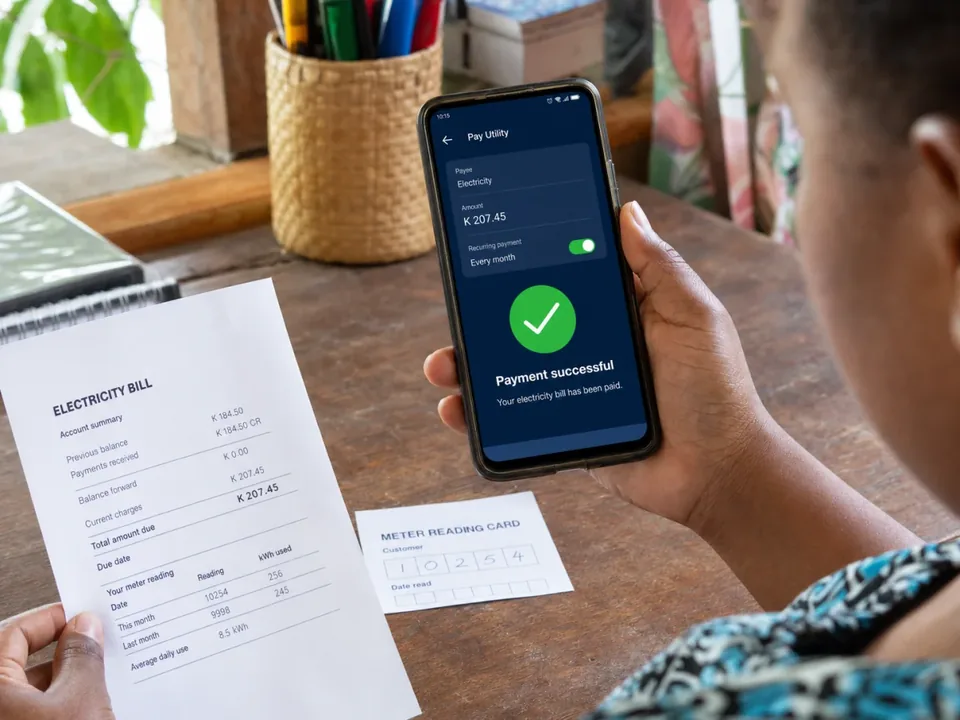
Person holding an electricity bill and a phone showing payment successful

Bill pay

Pay
Choose the biller, enter the account or meter number and the Kina amount, then confirm.
Accept
Talk to us about becoming a Bill Pay payee so customers can pay your business in PIN.
Enquire about becoming a payee

Illustrative scenes with sample payments. Equipment and integrations depend on the merchant setup. See the merchant tools in the PIN app

We can integrate your Point of Sale

Tell us which system you use. Our team can help plan the connection between your checkout and PIN payments.


  • Lightspeed
  • SalesPoint
  • Shopify
  • Sipo Cloud POS
  • Today Software
  • POS Anywhere
Discuss your POS integration

Software for PNG organisations

From customer portals to payment integrations, we build software around the way your organisation works.

  • Web and mobile applications
  • Business systems and payment integrations
  • Data, reporting and support after launch
Explore software services
A website review meeting in the Pay It Now PNG office

Our platforms, at a glance

Payment tools for everyday spending, business and cross-border transfers.
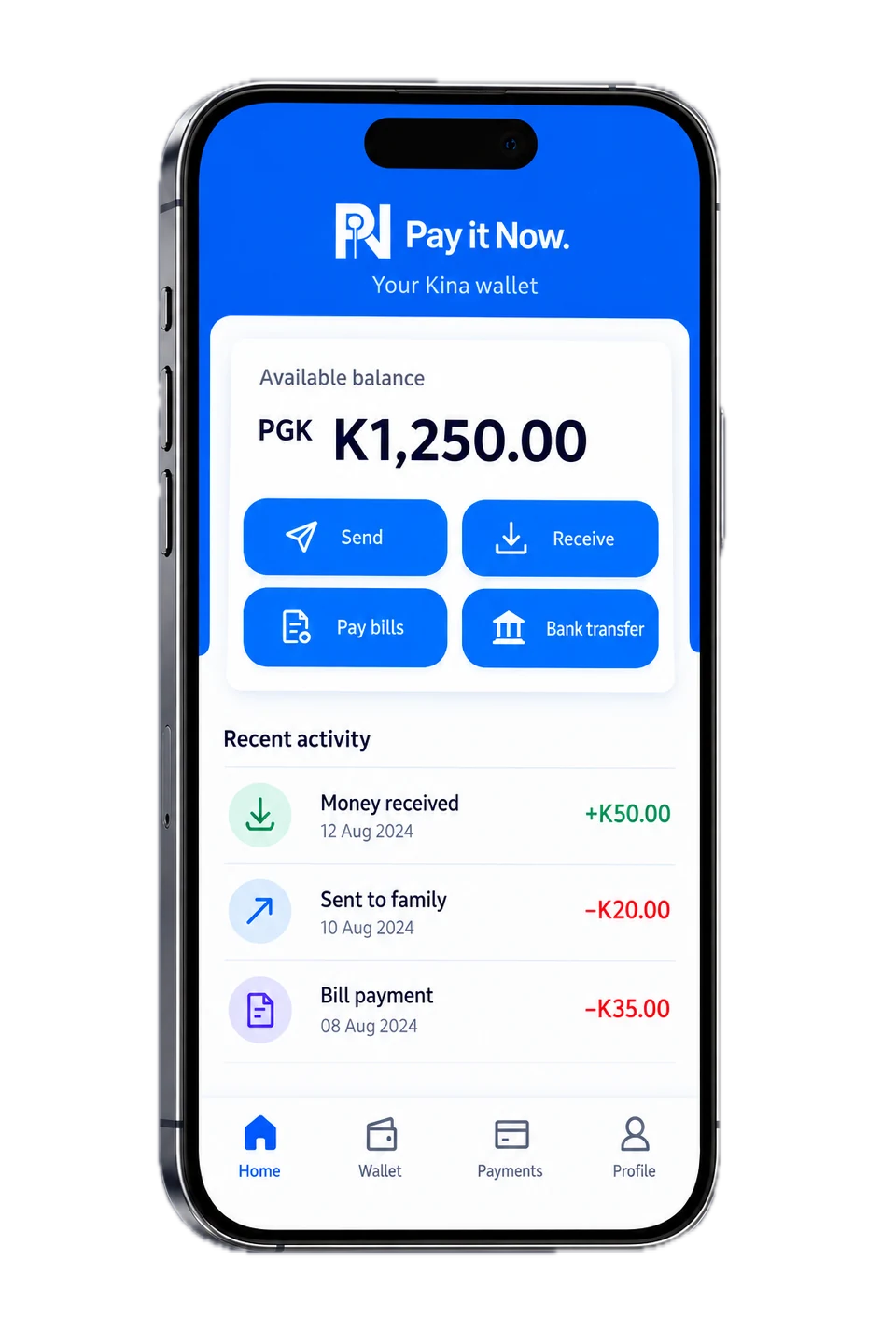
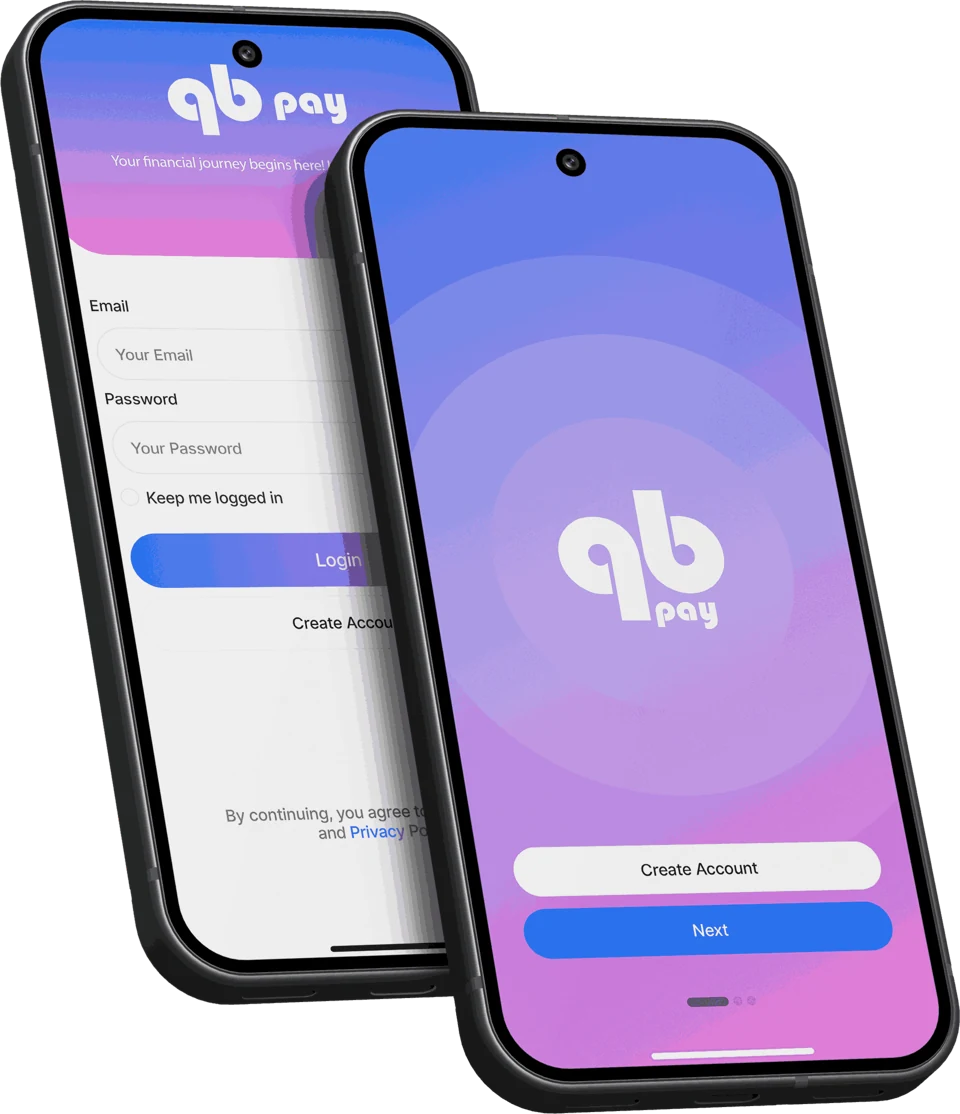
QB Pay login and account creation preview on two phones

QB Pay

Payments connecting Papua New Guinea, Australia, New Zealand and the Pacific.

Explore QB Pay
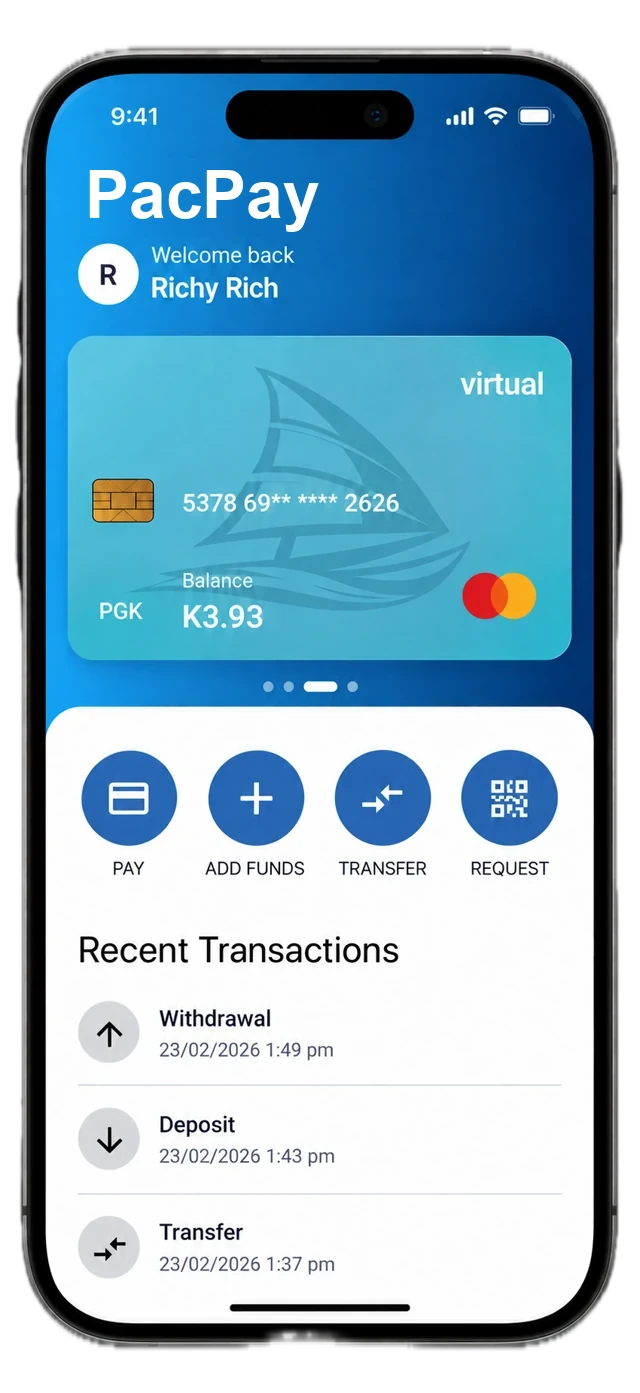
PacPay iPhone concept showing a sample PGK home-currency balance

PacPay

A wallet designed for Pacific seasonal workers earning in Australia and New Zealand.

Explore PacPay

See our product work →

Talk to the PNG team

Get help with the app, discuss your business, or tell us about a software project.

Entrance and reception at the Pay It Now PNG office

Start with what you need.

Tell us what you are trying to do and where you need help. For app enquiries, please do not send passwords, PINs or identity documents.

Mon–Fri 9AM–5PM PNG Time

Visit our office
Kina Bank Haus, Port Moresby, National Capital District, Papua New Guinea
View Kina Bank Haus on Google Maps (opens in new tab)
Postal address
Pay It Now PNG, Post Office Box 409, Boroko Foodworld Gordons Post Office, National Capital District, Papua New Guinea

Prefer a little guidance?

Choose a topic and build your enquiry step by step. Our team will reply by email.

Get in touch

At least 10 characters.

We use your details to respond to your enquiry. See our Privacy Notice.