

Download PIN
Choose Google Play or the App Store above.
Send. Pay. Receive.
Hold, send and receive Kina with PIN. Manage your balance and keep your payment activity in view.
Explore app features →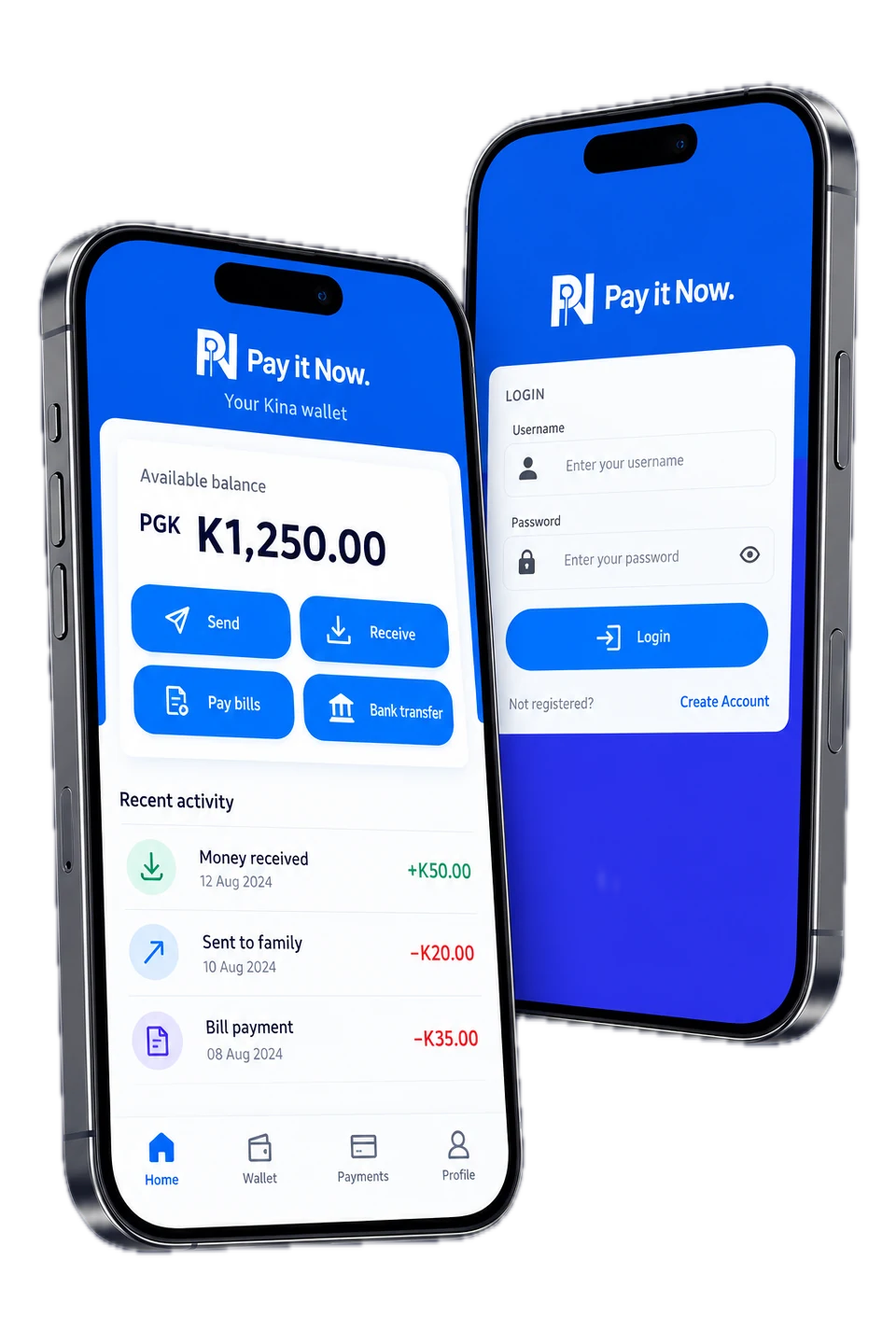
Choose Google Play or the App Store above.
Read the terms and follow the verification instructions shown in the app.
View your balance, send and receive payments, and follow your activity in the app.
What you can do in the PIN app. App screens are illustrative and show sample data.
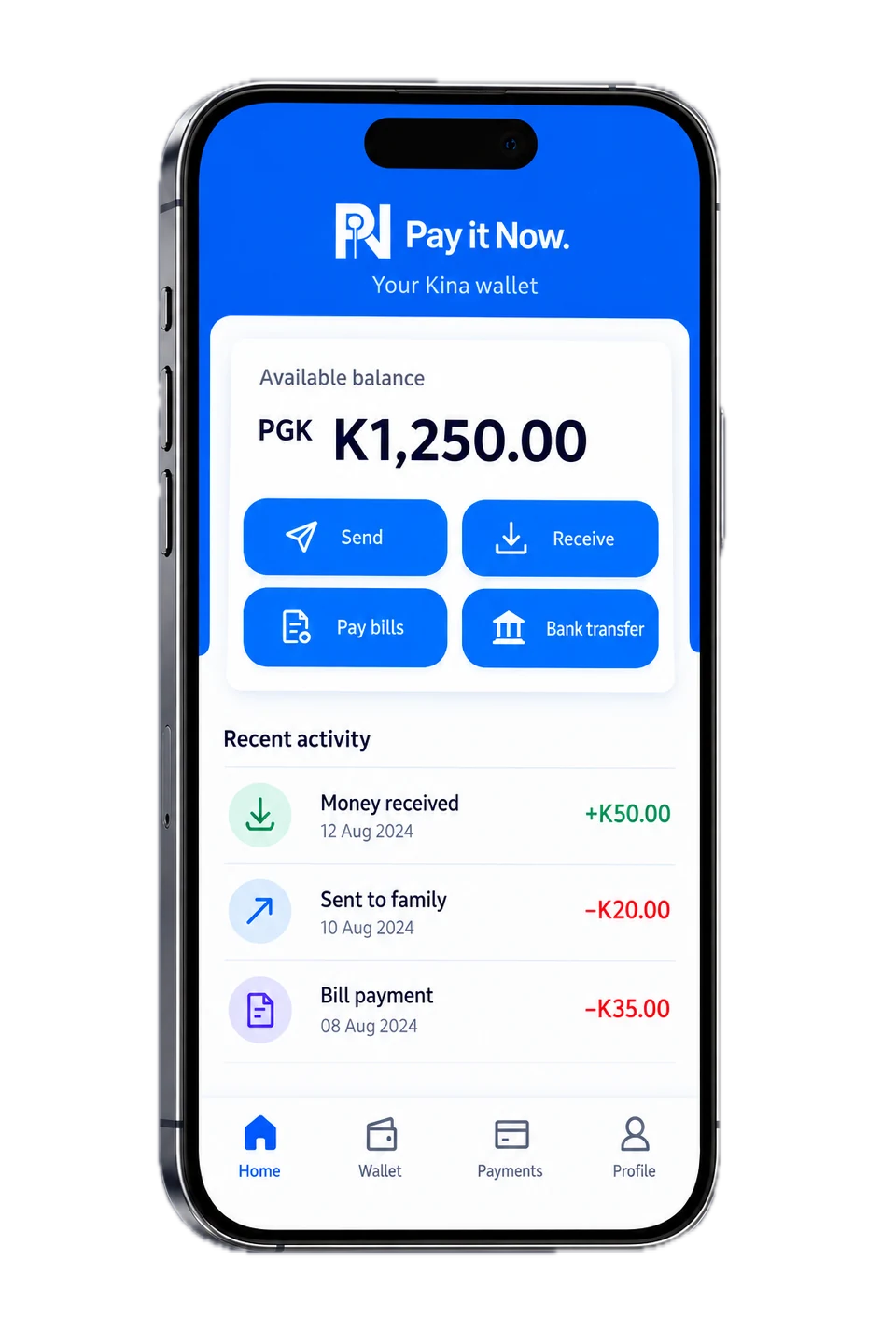
Send and receive Kina with clear payment states and a record in the app.
Earn rewards while you spend with PIN.
Pay bills from PIN and keep the records with your wallet activity. Proposed additions such as eSIMs, Tickets, Land rates, Transport, School fees, TV subscriptions are still to be confirmed.
Move Kina to your bank account and manage incoming payments with virtual account tools.
Manage account access, identity verification and transaction activity in one place.
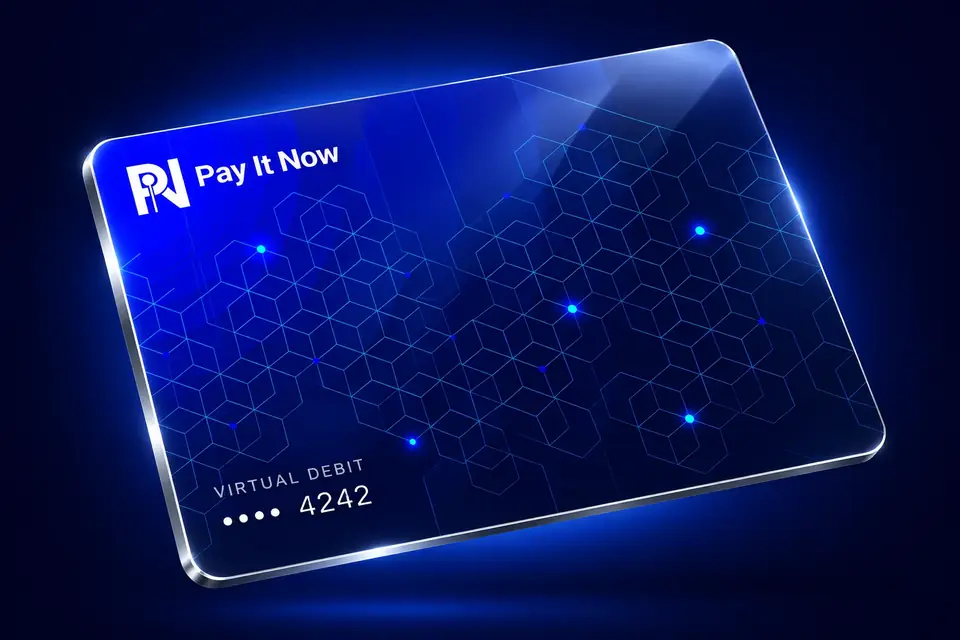
Create a virtual debit card in PIN and keep your cards, wallet and everyday payments together.
Use your virtual debit card for everyday purchases.
Create and name cards for different uses, all inside PIN.
View card details, follow transactions and manage your card balance.
Return funds from your card balance to your PIN wallet.
Add your virtual debit card to Apple Wallet or Google Wallet, then tap to pay at participating contactless terminals.

Keep your counter workflow simple with a focused point-of-sale experience in the PIN app.
Bring payments, sales records and everyday merchant tasks together, so sales, receipts and refunds are handled in one app.
Discuss merchant payments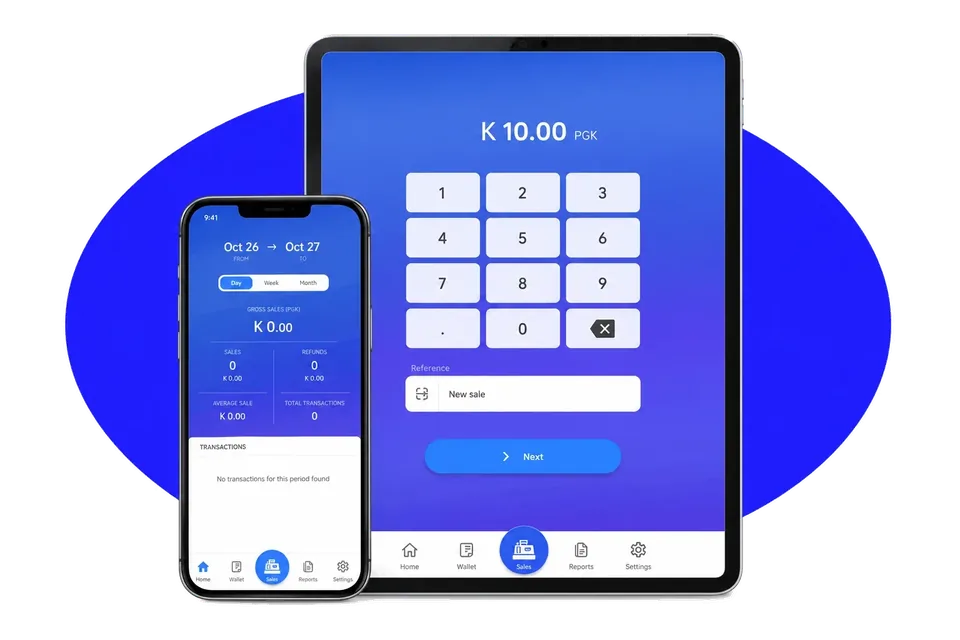
Take Kina payments at your counter.
Keep sales and payment records in view.
Provide a receipt for customer purchases.
Manage customer refunds in your merchant workflow.
Keep customer contacts together in the app.
The current terms describe eligibility for adults aged 18 or over based in Papua New Guinea. Review the Terms and Conditions and ask the team about your situation.
Follow the verification instructions in the app for accepted documents and account requirements.
Contact the PNG team. Please do not send passwords, PINs or identity documents through the website form.